Founding creator beta: free, no card.

You already have the ideas and the footage. Ship the video.

For people who know they should be posting too

lazycut does the 80%: it covers each line with footage you filmed. You do the 20% that makes it yours, in DaVinci Resolve (free) or Final Cut.lazycut does the 80%: it covers each line with footage you filmed. You do the 20% that makes it yours.

Runs on a laptop or desktop. A Mac works best.

lazycut · my talk · 50 s · 7 linesmy own footage only
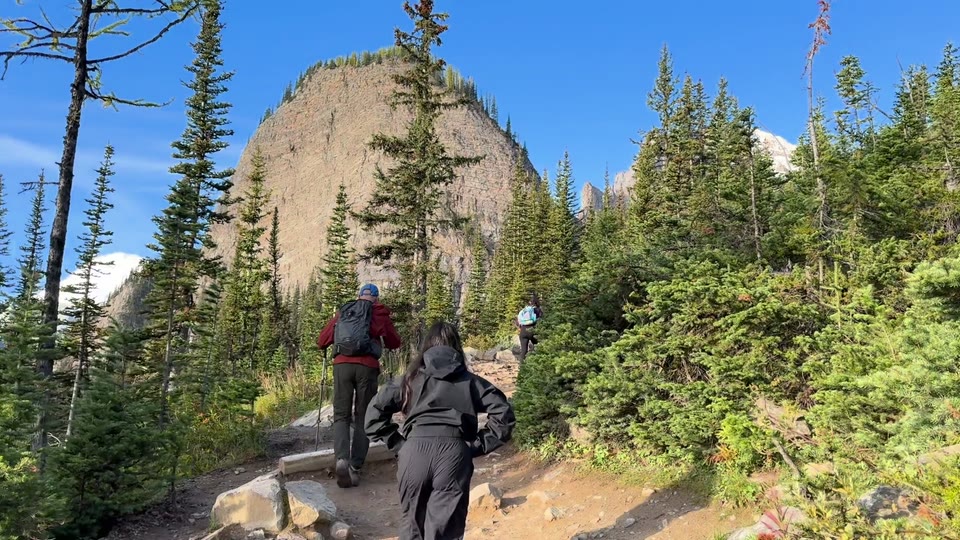
my footagelazycut:Hikers climbing steadily up a forested mountain trail show working toward chosen goals.
7 lines · 5 proposed · 3 kept Watch it ↓

The 80/20

lazycut does the 80%. You do the 20% that makes it yours.

The 80%

lazycut does the grunt work

  • Logs your own footage
  • Finds the shots
  • Places one under every line you said
  • Explains each pick

A rough cut in minutes, not an evening of scrubbing clips.

The 20%

You do the creative

  • The story
  • What stays and what goes
  • The taste
  • The final polish

That part should stay human.

  • removed
  • removed

lazycut proposed 5 cutaways. I kept 3. That's the 20%.

Kyle

I'm Kyle, and I have a full-time job. The little time I get for videos should go to the 20%, so I built lazycut to do the rest.

It's a tool you run yourself, not an editing service.

Kyle

See it work

A book I read and a trip I took, cut into one video. Every line, and why.

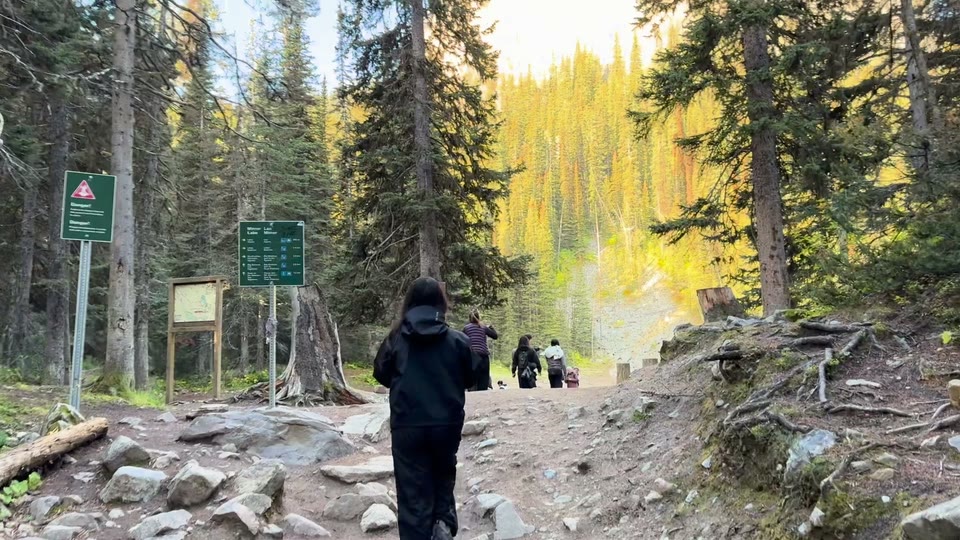
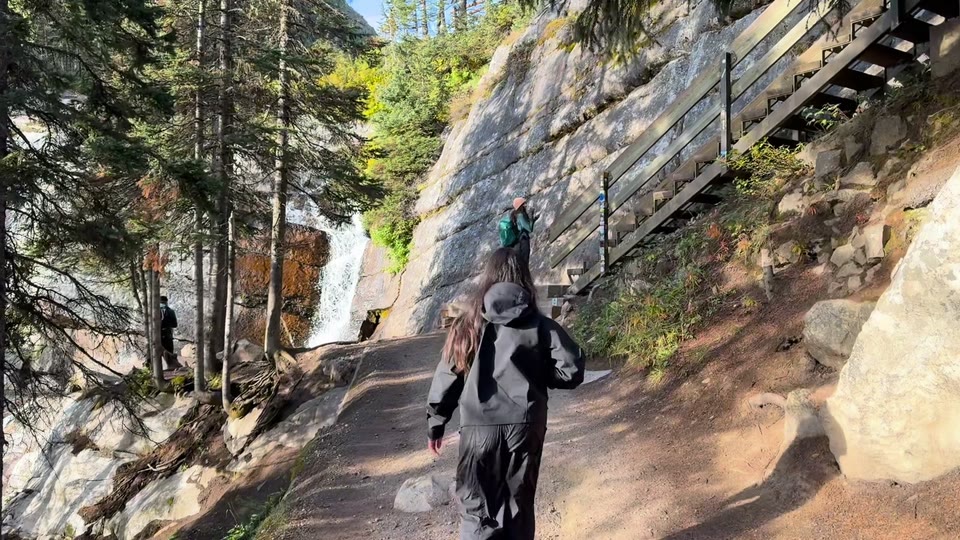
This is me, not an actor: 50 seconds on Cal Newport's Slow Productivity, cut with footage from one trip to Banff.

V2V1
me, talking · 0:00 to 0:50
  • my footage
  • on me, nothing fit
  • pick I removed in review

    How it was made: one take and one trip on my iPhone, best of three runs, cut from my recording with the Mac command-line version. The web app takes a pasted script instead.

    How it works

    Three steps, one video.

    1. Talk for five minutes.

      Record one idea on your phone or webcam. Paste your script or a transcript into lazycut.

    2. Point it at your footage.

      Pick a folder of clips on your computer. No sorting needed.

    3. Make it yours. Post it.

      Open the rough cut in DaVinci Resolve (free) or Final Cut. Nudge the timing, keep what works, publish.

      Never edited? Here's what's left →

    The beta

    Founding creators. Free during the beta.

    Self-serve: you run lazycut on your own footage, and you make the video.

    It fits if:

    • You know you should be posting, and you have things to say.
    • Your phone is full of footage you've never used.
    • The edit is where your videos stall.
    • You want to make the calls, just not scrub clips all evening.

    Not a fit if you want it done for you, need stock footage, or only edit on your phone.

    Founding creator seat

    Private beta, invite only

    Free

    During the beta. No card.

    • Chrome or Safari on a laptop or desktop
    • A rough cut for DaVinci Resolve (free) or Final Cut
    • 16:9, 9:16, 1:1 and 4:5 formats
    • Up to 400 shots described and 15 cuts a day
    • Questions answered by email

    What I ask: a few lines on how your first video went.

    After the beta: nothing auto-renews. You see the price first and decide.

    Request an invite

    FAQ

    Questions

    Do my videos get uploaded?

    No. Your video files stay on your computer.

    • Two small stills per shot go to Claude, Anthropic's AI model, to be described. They pass through my server and aren't stored.
    • Your words and the shot descriptions are sent as text.

    lazycut can't check who agreed to be filmed, so only use clips you'd post.

    Do I need a Mac?

    No, but you need a laptop or desktop. lazycut runs in Chrome or Safari; a Mac works best.

    On Windows, use Chrome and finish in DaVinci Resolve. Leave the folder box blank, then relink your clips in Resolve.

    I've never edited. Can I finish it?

    Yes. Your shots arrive already placed. In DaVinci Resolve (free):

    1. File > Import > Timeline.
    2. Drop your recording under the shots.
    3. Nudge the cuts to land on your words.
    4. Export and post.

    Clips offline? Use Relink and pick your footage folder. In Final Cut, start with File > Import > XML.

    My footage is on my phone. Does that work?

    Yes. The demo was shot on my iPhone. Copy the clips to a folder on your computer first.

    From Apple Photos: select the clips, then File > Export > Export Unmodified Originals.

    What does it cost?

    Nothing during the beta, and no card. Before it ends, I'll email you the price.

    Nothing is charged unless you say yes, and nothing auto-renews.

    Request an invite

    Tell me what you want to make.

    Free during the beta. No channel yet is fine.

    I read every request myself. Kyle

    What do you want to make? (pick any)
    What computer will you use?

    We use your email to send a code, ask how it went and tell you about pricing. Privacy

    Got it. I'll reply by email with your invite code.

    While you wait

    Pick one idea, and export one trip from Photos to a folder on your computer.

    Kyle

    After you request

    1. You get an invite code by email.
    2. Pick a folder of clips and paste your script.
    3. Open the rough cut in Resolve or Final Cut, make it yours, post it.

    Already have a code? Open lazycut →